Via your profile
Observed exampleVideo views928,764
98.96%drop-off1.04%continue
Profile visits9,686
98.77%drop-off1.23%continue
Website link clicks119
Overall click-through rate0.0128%
VIDEO LINK ANCHORS
Add a website link to your TikTok videos. Give viewers a direct next step, from watching your content to exploring your landing page.
FROM YOUR VIDEO TO YOUR WEBSITE
The link lives on your video. A tap takes viewers to your website inside TikTok.
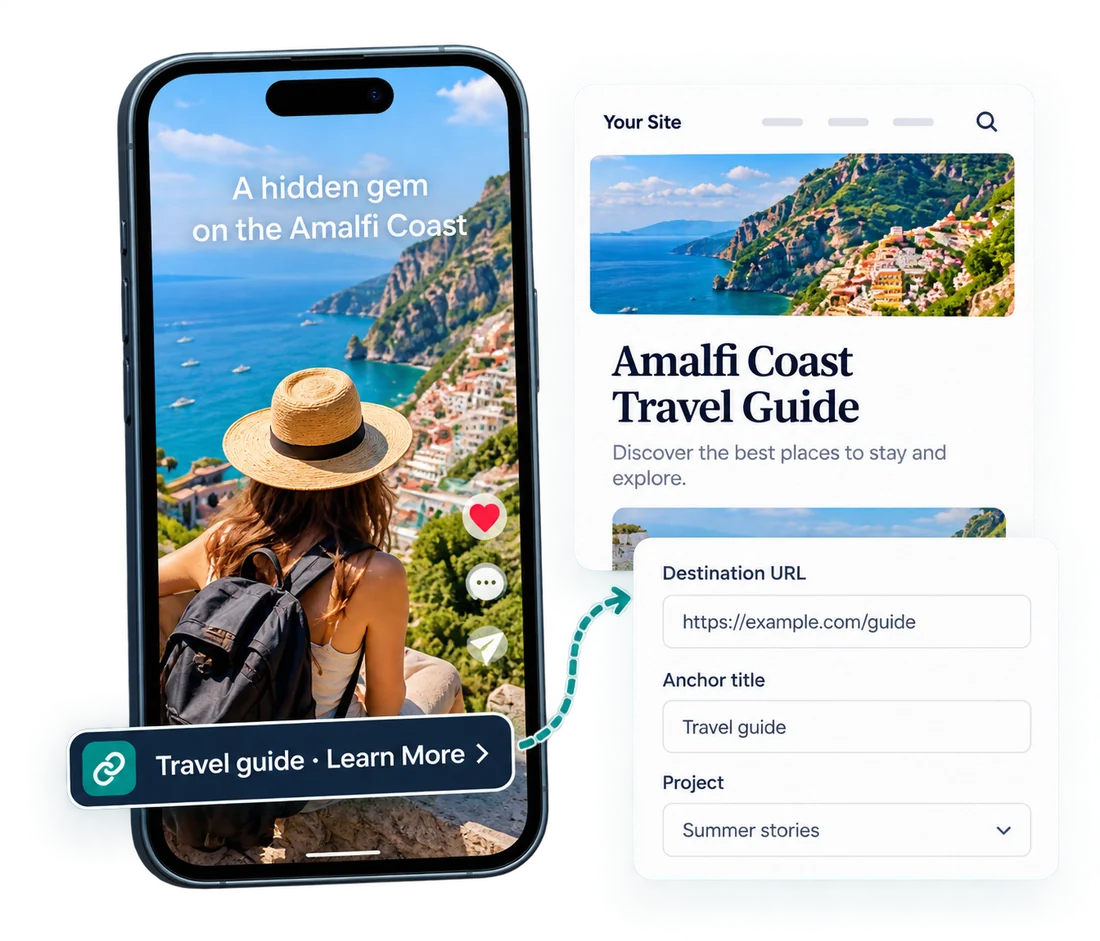
Your anchor title appears with the video and gives viewers a clear way to explore more.
FEWER STEPS TO YOUR WEBSITE
Compare the profile-link journey with a link viewers can tap on the video.
Overall click-through rate0.0128%
78× the observed link-click count
Measured 0.5%–2% CTR translates to 4,644–18,575 clicks at the same view count: 39–156× the profile-link clicks.
Based on the operator’s own test data. Profile-link figures cover the same period: 928,764 video views, 9,686 profile visits and 119 link clicks. The measured anchor CTR range is 0.5%–2%; anchor click counts and multiples shown here are calculated at the same 928,764 views, rather than a matched campaign result. Counts are events, not unique visitors. Individual test results are not a guarantee.
HOW IT WORKS
Create your brand, add your website link, connect TikTok, and publish.
Add your brand name and website.
Set your website link, category, and target market.
Authorize the TikTok account you want to publish from.
Upload your video and publish with an approved anchor, now or on a schedule.
Account authorization and publishing use TikTok’s official APIs.
Securely connect your own TikTok accounts and manage them in one workspace.
Plan your videos and choose when to publish. Schedule times are shown in UTC+8.
View synchronized video performance and understand how your content is doing.
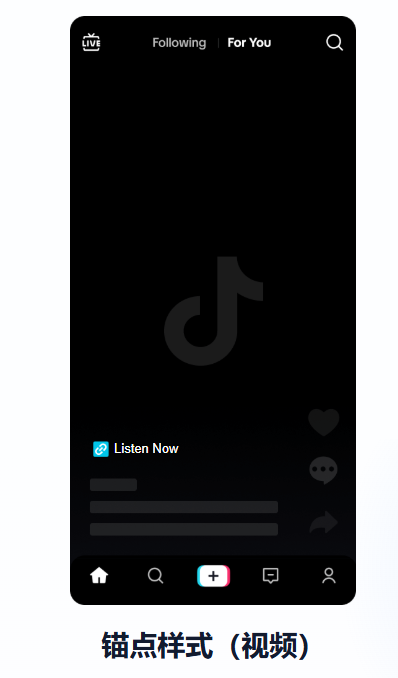
 tkaitool.comYour website appears here.
MORE THAN PUBLISHING
Add a website link to your TikTok videos. Create your anchor, connect your account, and publish from one workspace.
Explore the productFREQUENTLY ASKED QUESTIONS
No. For this project workflow, your account needs at least 1,000 followers and must have joined Creator Marketplace. You also need to meet the requirements of the project.
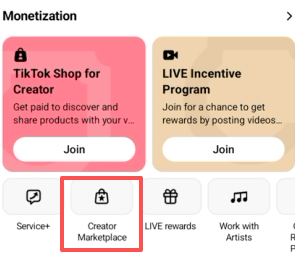
Use accurate brand information and a working landing page that clearly describes your product or service. Your brand, anchor, linked website, and video must follow TikTok’s policies and local laws.
TKAI Tool adds no extra content-category requirements beyond the platform’s rules.
Available countries vary by category.
Create your anchor, connect TikTok, and publish videos that bring viewers to your website.
Create a video anchor